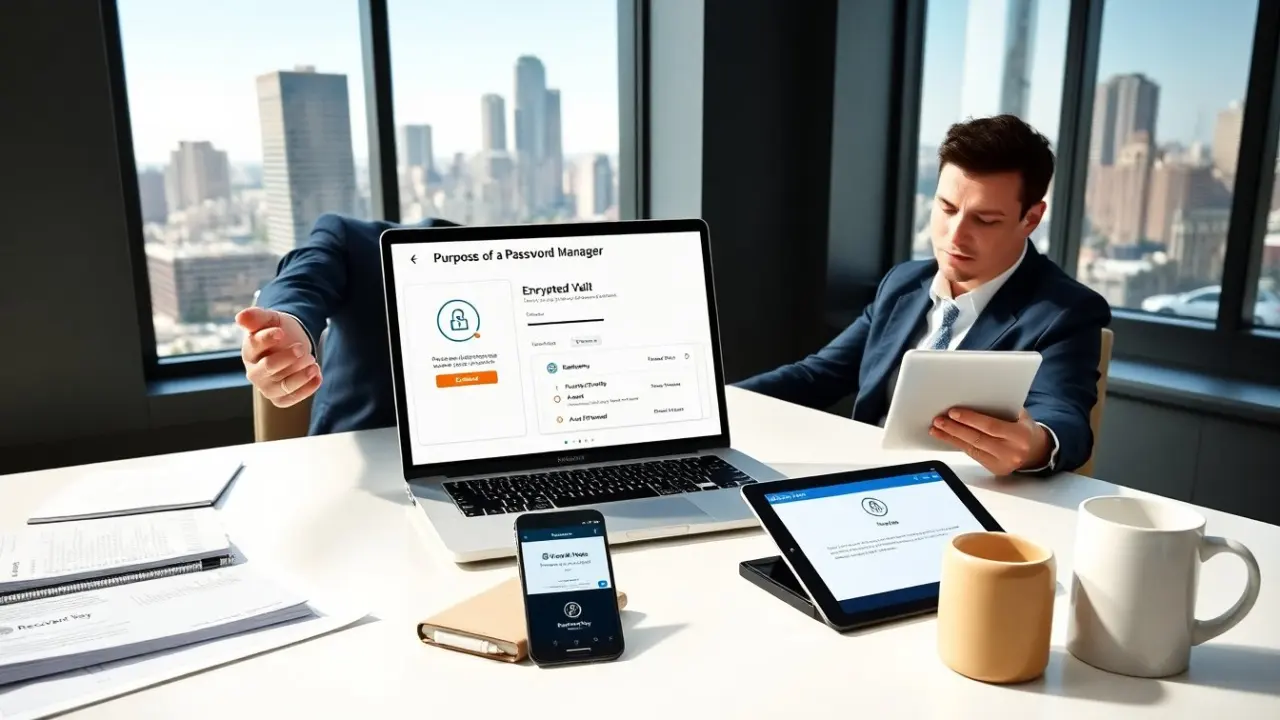
What is the purpose of a password manager is a common question. The phrase asks why a person should use a password manager and what value it adds. This article explains core functions, common benefits, and safe use. It gives clear steps and simple reasoning. The reader will learn what a password manager does and how it improves security. Throughout this article we answer practical follow-up questions such as how it changes everyday behavior, what trade‑offs to expect, and which safeguards matter most when choosing and using one.
Key Takeaways
- A password manager securely stores and encrypts login credentials, protecting them with a master password and optional two-factor authentication.
- Using a password manager encourages strong, unique passwords and reduces the risks of password reuse and weak credentials across multiple sites.
- Password managers simplify and speed up logins through autofill and offer password health reports and breach alerts to improve overall security awareness.
- Choosing a password manager should involve evaluating encryption methods, multi-device sync, and breach monitoring features for maximum protection.
- Safe use includes setting a strong master password, enabling two-factor authentication, keeping offline backups, and regularly updating software and access permissions.
- Password managers support secure password recovery and sharing, helping users regain account access and manage passwords efficiently after device loss or changes.
What A Password Manager Is — Key Features At A Glance
A password manager is an application or service that stores login credentials, notes, and other sensitive data inside an encrypted vault. At a glance its key features include a secure vault protected by a master password or cryptographic key, a built-in password generator to create long random credentials, autofill for forms and logins to reduce typing and errors, and synchronization across devices when enabled. Many password managers also offer breach monitoring (alerts when stored accounts appear in leaks), password health or strength reports that identify reused or weak passwords, and secure notes or card storage for non-password secrets. Advanced features found in some products include biometric unlocking, emergency access delegation, and enterprise tools for team password sharing. Together these capabilities turn scattered, often weak passwords into organized, unique credentials that are easier to maintain and harder for attackers to exploit.
The Main Purposes Of Using A Password Manager
The main purposes of using a password manager are to centralize secure storage, enforce stronger credentials, and reduce user friction so people actually follow safer practices. Centralization means you keep usernames, passwords, and recovery information in one encrypted place rather than remembering or reusing them across sites. Enforcing stronger credentials happens because password managers generate and remember long, complex passwords that humans cannot easily type or recall, which eliminates the temptation to reuse the same password everywhere. They also speed and simplify logins with autofill and synchronized access across phones, tablets, and computers, which increases convenience while preserving security. Other practical purposes include secure sharing for family or team accounts without revealing plain-text passwords, streamlined account recovery when a device is lost, and providing audit tools that show where passwords are weak or duplicated. In short, if you ask what is the purpose of a password manager for an individual or organization, the answer is: to reduce password-related risk by making secure choices the easiest choices to follow every day.
How Password Managers Improve Overall Security Practices
Password managers improve security in several concrete ways beyond just storing secrets. First, they promote the use of unique passwords across services, which prevents a single leaked credential from compromising multiple accounts. Second, many managers integrate with two‑factor authentication (2FA) flows—either by storing 2FA seed codes, generating one‑time codes, or working alongside authenticator apps—adding a second layer of defense. Third, breach monitoring and alerts mean users are notified when their credentials appear in known data breaches, enabling faster response and credential rotation. Fourth, autofill mechanics are often domain‑aware: a well‑designed manager will not fill login fields on an unexpected or spoofed site, which lowers the chance of successful phishing attacks. Finally, reporting and health features educate users by highlighting reused or weak passwords and suggesting replacements, which creates ongoing, actionable improvement in account hygiene. Taken together, these behaviors and tool features raise the baseline security posture for individuals and teams and make secure behavior repeatable and measurable.
How To Choose And Use A Password Manager Safely
Choosing and using a password manager safely requires evaluating technical features and adopting secure habits. When choosing, check for strong encryption (end‑to‑end or zero‑knowledge architecture), reputable key‑derivation functions, and transparent security practices such as independent audits or bug bounty programs. Consider practical features: multi‑device sync, secure backups or recovery keys, breach monitoring, password sharing with access controls, and platform integrations (browser extensions and mobile apps) that you will actually use. Cost, support, and company reputation also matter—paid versions often include advanced features like emergency access and family plans. When using a password manager, set a long, memorable master password and enable two‑factor authentication for the account that controls the vault. Keep a secure offline backup of your recovery key in a safe place and regularly export or verify backups per the vendor’s recommendations. Update the manager and your devices promptly when security patches are released, and avoid storing the master password or recovery key in unencrypted files, email, or cloud notes. Be cautious when granting or accepting shared access: give the minimum necessary permissions and revoke them when they are no longer needed. Finally, test emergency access and recovery procedures so you can regain accounts after device loss without weakening security. Following these selection criteria and safe‑use steps ensures a password manager fulfills its purpose while minimizing operational risk.