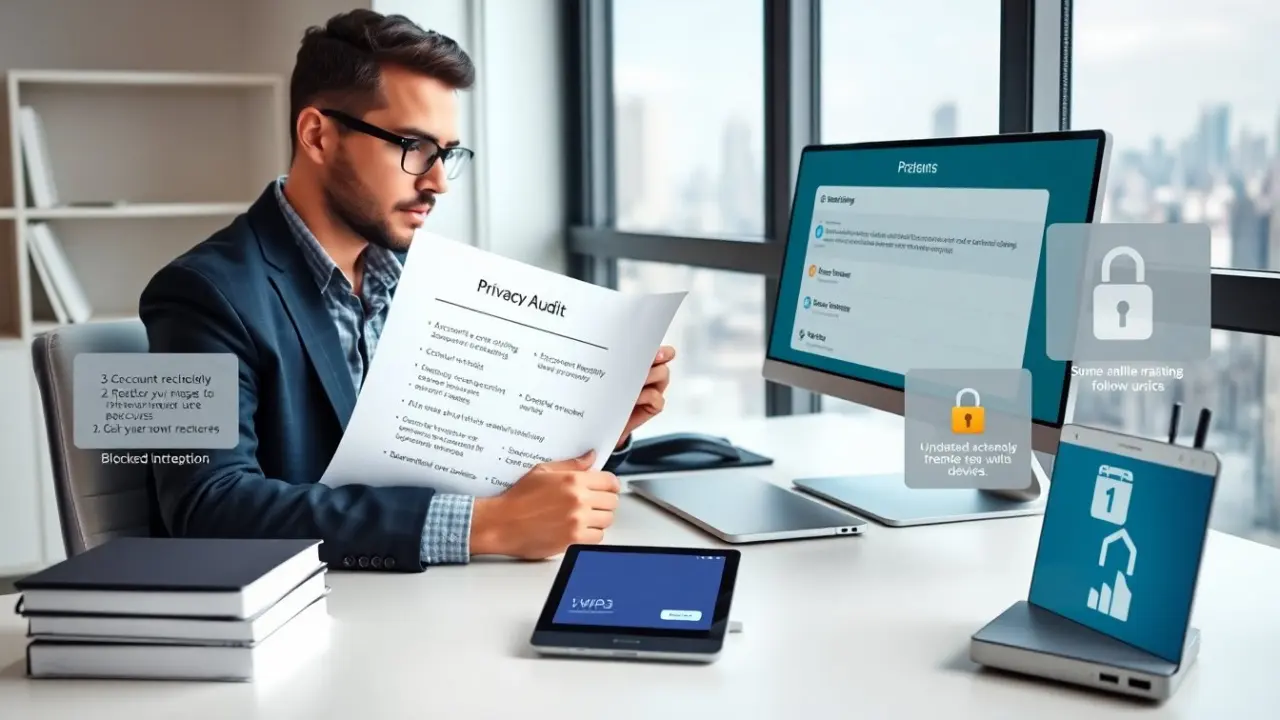
How to protect online privacy matters now more than ever. The reader can assess risk quickly. The guide lists simple steps. The guide uses clear actions. The guide helps the reader act today.
Key Takeaways
- Conduct a quick privacy audit by listing devices, accounts, and services to identify and minimize personal data exposure.
- Secure your devices and connections by updating software, using strong passcodes, enabling encryption, and avoiding public Wi-Fi for sensitive tasks.
- Use strong authentication methods like two-factor authentication and password managers to protect your online accounts effectively.
- Browse safely with privacy-focused browsers, block trackers, use reputable VPNs with no-logs policies, and verify HTTPS on websites.
- Manage app permissions and social media privacy settings carefully to limit data sharing and revoke unneeded access.
- Perform regular privacy reviews every three months and after major life changes to maintain strong online privacy defenses.
Do A Quick Privacy Audit
Start with a list the person owns: devices, accounts, and services. They review email, cloud storage, social accounts, and shopping sites. They note passwords, recovery options, and linked phone numbers. They check which services retain payment data. They list third-party apps that use their accounts.
The person checks privacy settings on major accounts. They set searches, ad preferences, and activity controls to minimize tracking. They export account data that they want to keep. They delete old accounts that they no longer use.
The person records what data appears in public searches. They request removal where possible. They scan for data brokers and opt out of data collection. They plan one follow-up review in three months to confirm changes.
Secure Devices, Accounts, And Connections
They update device software and app software immediately. They enable automatic updates where available. They install only apps from trusted stores. They remove unused apps and services.
They lock devices with a strong PIN or passcode. They enable device encryption when the device offers it. They turn off unused wireless radios such as Bluetooth and NFC when not needed. They avoid public Wi-Fi for sensitive work and use a secure personal hotspot when possible.
They review router settings at home. They change the default router password and update firmware. They use a unique Wi-Fi password and enable WPA3 if the router supports it. They segment devices on a guest network for visitors and IoT devices.
Strong Authentication, Backups, And Device Settings
They enable two-factor authentication for key accounts. They prefer app-based authenticators or hardware keys over SMS where available. They register backup recovery methods and store them in a secure place.
They use a password manager to create and store long, unique passwords for each account. They rotate passwords on high-value accounts periodically. They avoid reusing the same password across multiple sites.
They configure automatic encrypted backups for phones and computers. They store one backup offline or in a separate encrypted cloud container. They test recovery steps once per year to confirm backups work.
They set screen locks to engage quickly and require authentication for purchases or sensitive actions. They disable biometric fallback when they plan to travel through high-risk locations.
Browse, Communicate, And Share Safely
They use a privacy-focused browser or a hardened profile in a main browser. They block third-party cookies and trackers. They clear cookies and site data on a regular schedule.
They use a reputable VPN when they connect to untrusted networks. They confirm the VPN provider publishes a clear no-logs policy. They avoid free VPNs that sell user data.
They verify site security by checking HTTPS and the site certificate on sensitive pages. They avoid entering payment or identity data on pages that show insecure warnings. They prefer sites that use modern encryption and clear privacy policies.
They limit data shared on public forums and comment fields. They treat usernames and profile pictures as public details. They use alternative contact emails for public profiles to reduce spam and tracking.
Manage App Permissions, Social Profiles, And Data Sharing
They audit app permissions on phones and tablets. They revoke location, camera, and microphone access for apps that do not need them. They prefer apps that ask for permission only when required.
They review social network settings and remove old posts that reveal sensitive events or locations. They set friend lists and audience controls to limit who sees personal updates. They avoid posting travel plans or precise home details.
They check which apps and services have account access under connected apps or linked accounts. They revoke access for services they no longer use. They limit OAuth scopes when connecting new apps to an account.
They read privacy policies for any new service that will hold personal data. They choose services that explain data use in plain language and that provide deletion tools. They submit data removal or correction requests when they find incorrect or unwanted information.
They monitor credit and identity reports where available to catch misuse early. They sign up for low-cost alerts for unusual account activity. They set up email rules that flag new device sign-ins and new payment method additions.
They repeat the privacy audit every three months and after major life events such as a move or job change. They keep a short checklist to streamline future reviews.